
REELS TEMPLATES
AI Reels templates — turn your photos into a video
The story is already in the template. Choose an example, add your photos and create a scene with your characters without setting up an AI model manually.
Browse video templates ↗Scenes for your next Reel
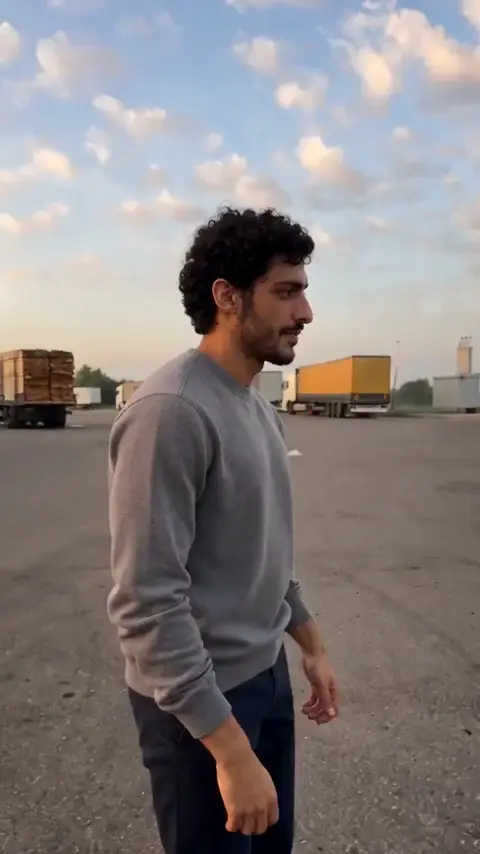
How to make the AI gas station dance trend with your photos
Use the Morning for Three template: assign the dancer, the selfie character and the person leaving the car, then prepare the right photos.
How to make this video ↗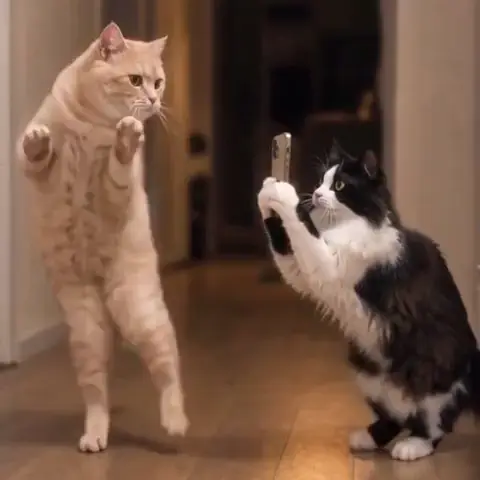
How to make an AI pet Lezginka dance video from two photos
One pet dances while another films it. Pick two clear photos and assign each animal to the right role.
How to make this video ↗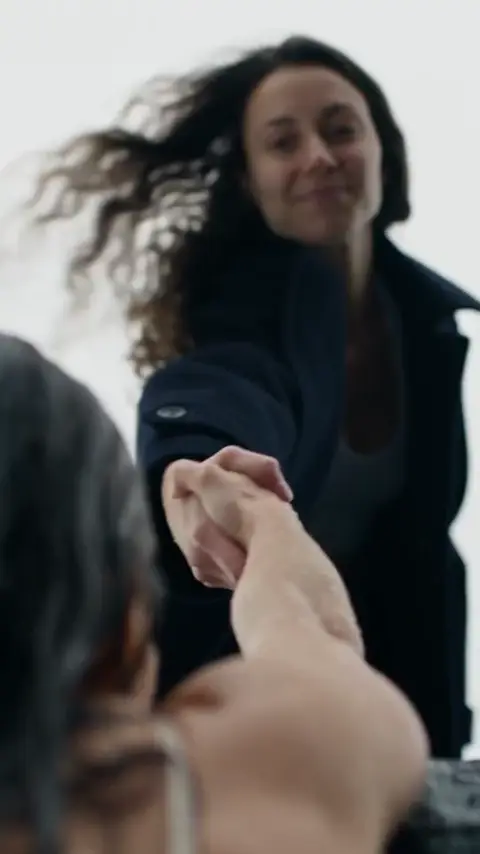
Make the “Only you can save yourself” AI video trend
Create the cliff rescue scene from your photos: one person in two roles, a helping hand and a reunion at the top.
How to make this video ↗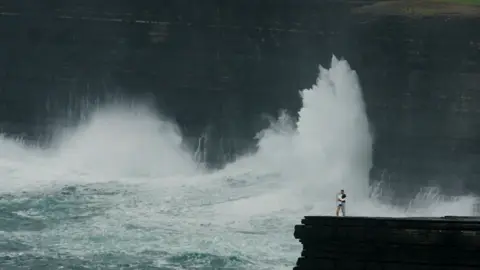
How to make the cliff kiss AI video trend
Create the two-person scene with a leap into an embrace and a twist ending. Prepare separate photos for each character.
How to make this video ↗Choose the whole story
Watch the complete example. Check how many characters it needs, whether there is a twist and whether the movement suits your photos.
Generate in SeedApply
Open the template, fill the matching photo fields and review the coin cost. You do not need a separate prompt; the form shows the available options.
Review the Reels preview
Download the result from My creations. Check the crop before posting so captions and interface buttons do not obscure faces, hands or key details.
From your photos to a finished clip
A SeedApply template generates a new scene with AI. Your photos define the characters while the movement and composition are already prepared. The result is saved in your account. Download it, upload it to Reels, then choose a cover, captions and available music when publishing.
Looking for a specific trend?
Explore the AI trends collection. Each featured scene has a guide to the photos it needs and how to generate it.