Make the “Only you can save yourself” AI video trend
Your photos and a ready-made scene. Review the cost before generating.
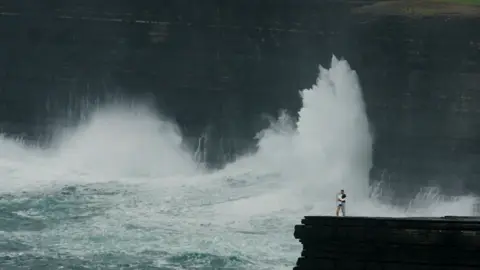
In this scene, the same person is both the one holding onto the cliff and the one reaching down to help. The sequence ends with a meeting at the top. SeedApply’s “Only you can save yourself” template lets you create that story from your own photos.
Watch the complete scene
This is a sequence above a stormy ocean, not a single animated portrait. The hand grip, the climb and the final meeting are central to the story. Watch the example through before choosing it. You do not need to film a dangerous scene yourself.
Use photos of one person
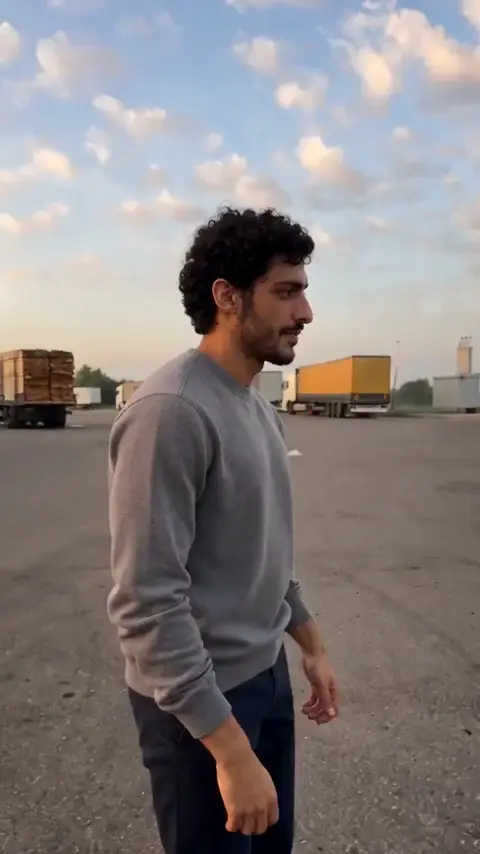
The template accepts up to five images. Include a clear portrait, a three-quarter view and a full-body photo. Keep the same person in every image: you do not need separate people for the rescuer and the person being rescued. Multiple angles help with both close and wide shots.
Choose the version that fits
The catalog includes the main template and a male version. Check each example and its upload instructions; clothing and staging may differ, so the cover alone is not enough to choose.
Generate and review
Upload the photos, select an available quality and check the coin price. Find the completed video in My creations. Pay close attention to the hand grip and the moment both versions of the person appear together, where changes to faces, hands or clothing can be most noticeable.
Keep the story intact
Avoid cutting the video before the final meeting. Place captions away from faces and hands. AI results can differ from the example, and another generation costs coins; improve unsuitable input photos before trying again.
Open the alternative template →
Frequently asked questions
Do I need photos of two people?
No. Use several views of the same person, who appears in both roles.
Can I take the input photos at home?
Yes. The inputs are photos of a person, not footage filmed at a real cliff. Use even lighting and a clear view of the face and body.