
AI VIDEO TRENDS
AI video trends — ready-made templates for your photos
Seen a clip you want to make your own? Start with its story: a dance, a reunion or an unexpected ending. Explore ready-made video templates and photo guides for each scene.
Choose a video template ↗Find a story you want to recreate
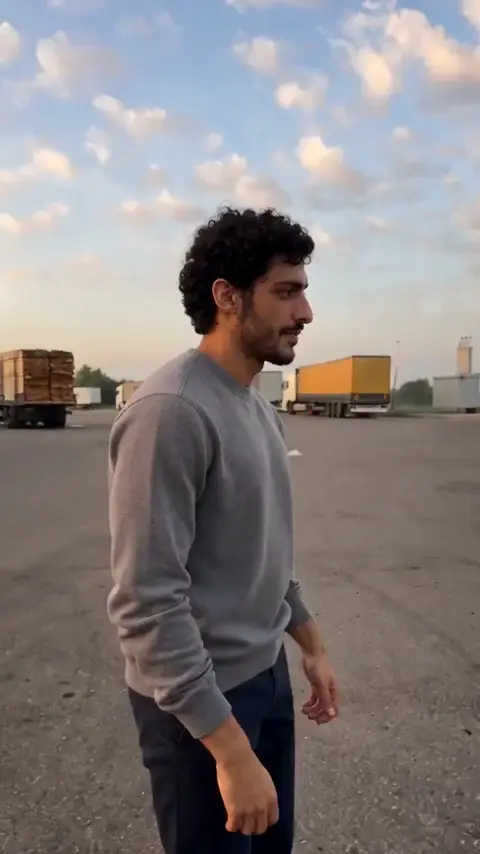
How to make the AI gas station dance trend with your photos
Use the Morning for Three template: assign the dancer, the selfie character and the person leaving the car, then prepare the right photos.
How to make this video ↗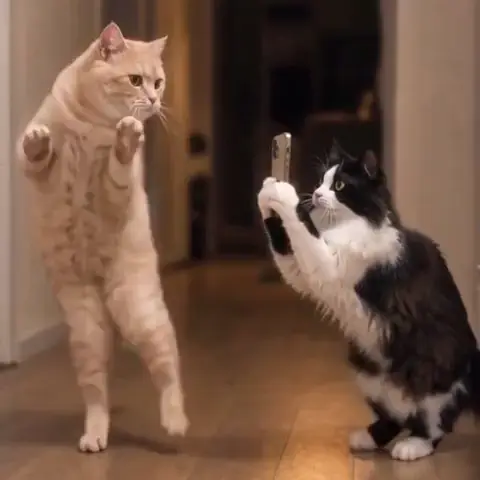
How to make an AI pet Lezginka dance video from two photos
One pet dances while another films it. Pick two clear photos and assign each animal to the right role.
How to make this video ↗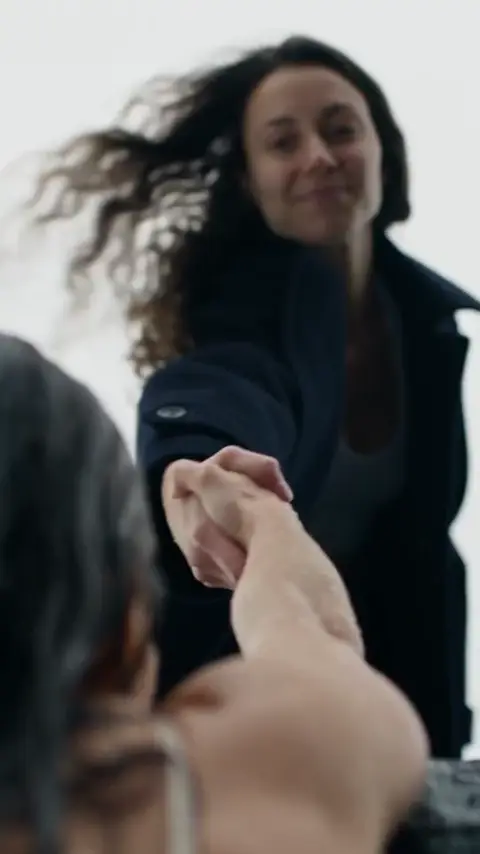
Make the “Only you can save yourself” AI video trend
Create the cliff rescue scene from your photos: one person in two roles, a helping hand and a reunion at the top.
How to make this video ↗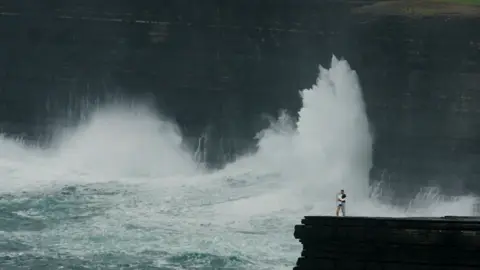
How to make the cliff kiss AI video trend
Create the two-person scene with a leap into an embrace and a twist ending. Prepare separate photos for each character.
How to make this video ↗Watch the full example
A cover shows only one moment. Check the movement, the characters’ roles and the ending before choosing.
Prepare the right characters
A solo dance, a couple scene and a pet video need different photos. Each guide explains the template’s upload fields.
Create your version
The template already contains the scene settings. Upload your photos, check the cost and generate. Find the result in My creations.
Choose your first AI trend
Start with a scene you already have suitable photos for. The pet dance needs two animal photos; the gas station scene needs three sets of people’s photos. Each guide has an input checklist and an example to help you prepare your first generation.
Making a video for Reels?
Explore our Reels template guide for choosing a scene, checking the crop and saving your finished clip.