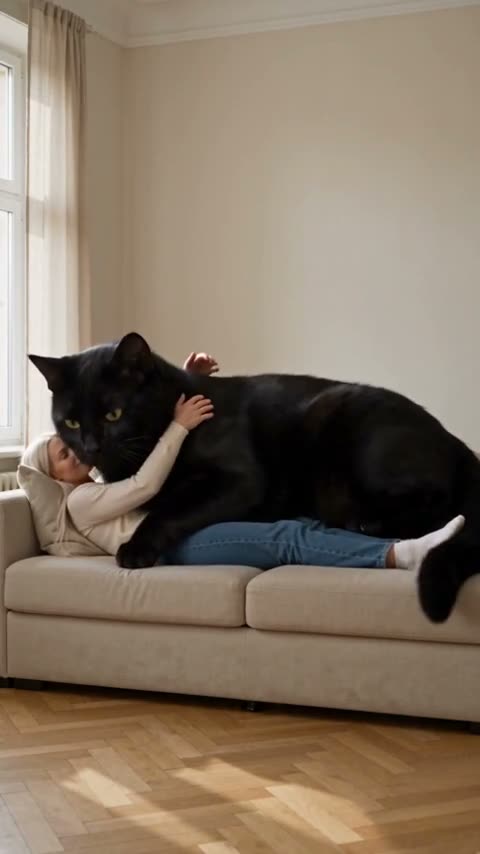
Make your first template video from a photo
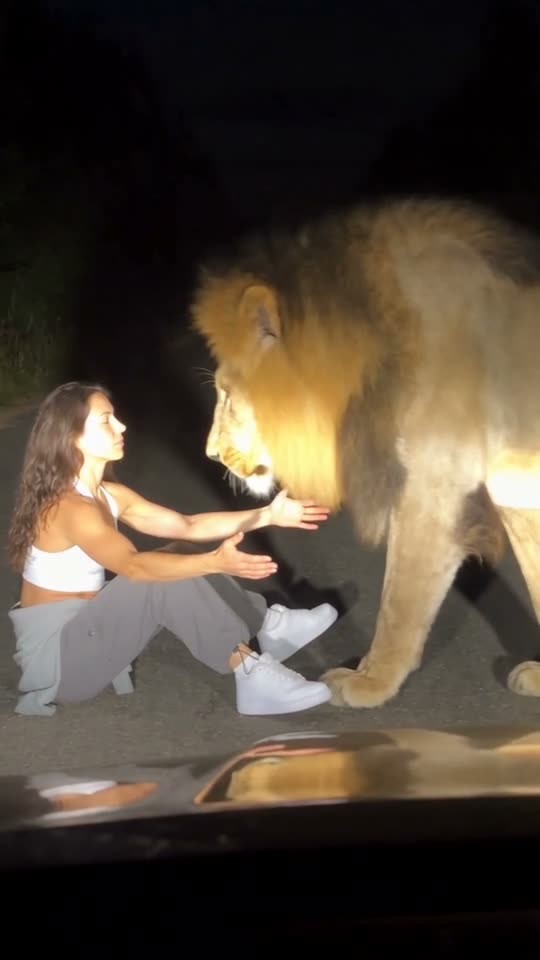
Start with the example
Open the SeedApply catalog and choose a video template. Watch the entire example: it shows the movement, composition and intended effect. A title alone does not explain every detail. To recreate a particular story, open that story’s template.
Prepare your photos
The template explains which images it needs. Use the correct upload fields for each person or object. Clear faces, even lighting and a suitable angle help preserve likeness. Heavy retouching or a covered face makes the task harder.
Check your settings
Choose the available quality, duration or variation before starting. The generation cost is displayed beside the button. After submitting, wait for processing instead of starting the same request again. Find the result in “My creations”.
Save and review
Watch the whole result before sharing. Check faces, hands, movement and background details, then download it from “My creations”. If the source photo does not suit the scene, another photo may help. A new generation has its own cost.